Podcast Studio Setup for Two to Four People: What to Buy First and What to Skip

Two to four people, one room, and a shopping list that keeps getting longer: that is where most new podcast setups stall. The honest starting point is that a handful of decisions matter far more than the brand of anything you buy, and a few common purchases can wait. Here is what to sort out first, in order, and what to leave for later.
Start with the room, not the gear list
Before any microphone is chosen, look at the room itself. Hard floors, bare walls, and large windows reflect sound back toward the microphones, and those reflections are what make a recording sound hollow or echoey even when the people talking sound fine in person. You do not need a treated studio to start, but you do need to know what you are working with, because it changes which microphone and which mic distance will actually work. If recordings already sound echoey once you are set up, our piece on why your podcast sounds echoey walks through the fix in order, treatment before gear.
Dynamic or condenser in an untreated room
A microphone’s type and polar pattern (the shape of the area it picks up sound from) both affect how much of the room comes through. A dynamic microphone generally picks up less of the surrounding room at a typical speaking distance of a few inches, which is why it tends to be the easier choice in a room that has not been treated. A condenser microphone is more sensitive and captures more detail, including more of the room around you; that is not a flaw to avoid, condensers are standard in treated studios, it just means an untreated room will be more audible through one. Most microphones made for speech, dynamic or condenser, use a cardioid pattern, most sensitive to sound from directly in front and rejecting more from the sides and rear, which helps regardless of which type you pick.
For two to four people talking at a table in a room that has not been treated, a dynamic microphone with a cardioid pattern is usually the more forgiving starting point. Our first microphone buying guide covers how to choose between specific models once you know which type fits your room.
How many inputs you actually need
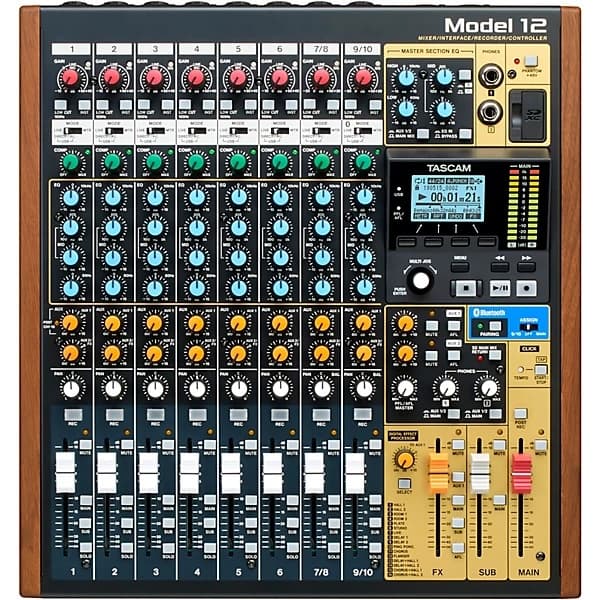
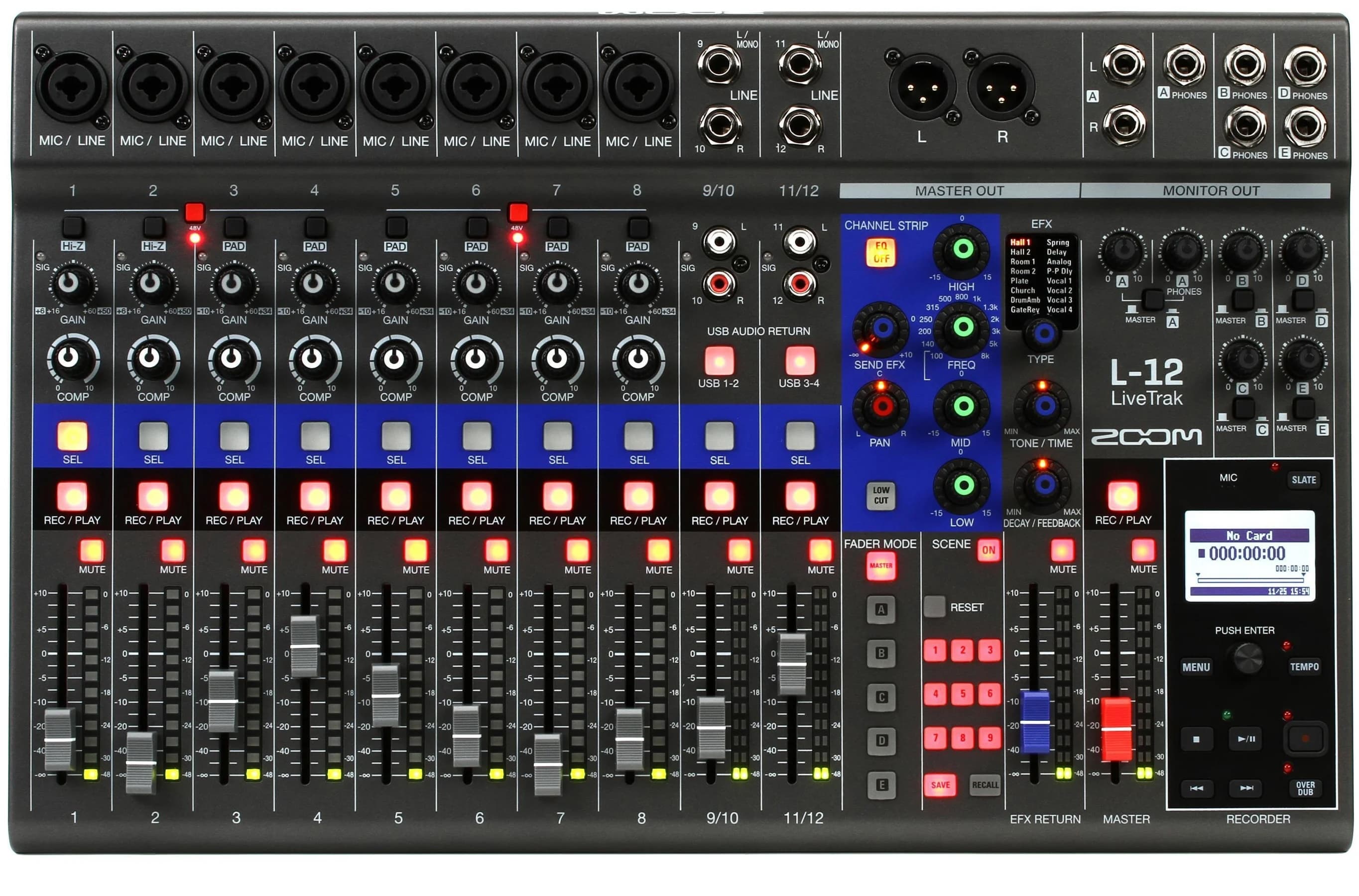
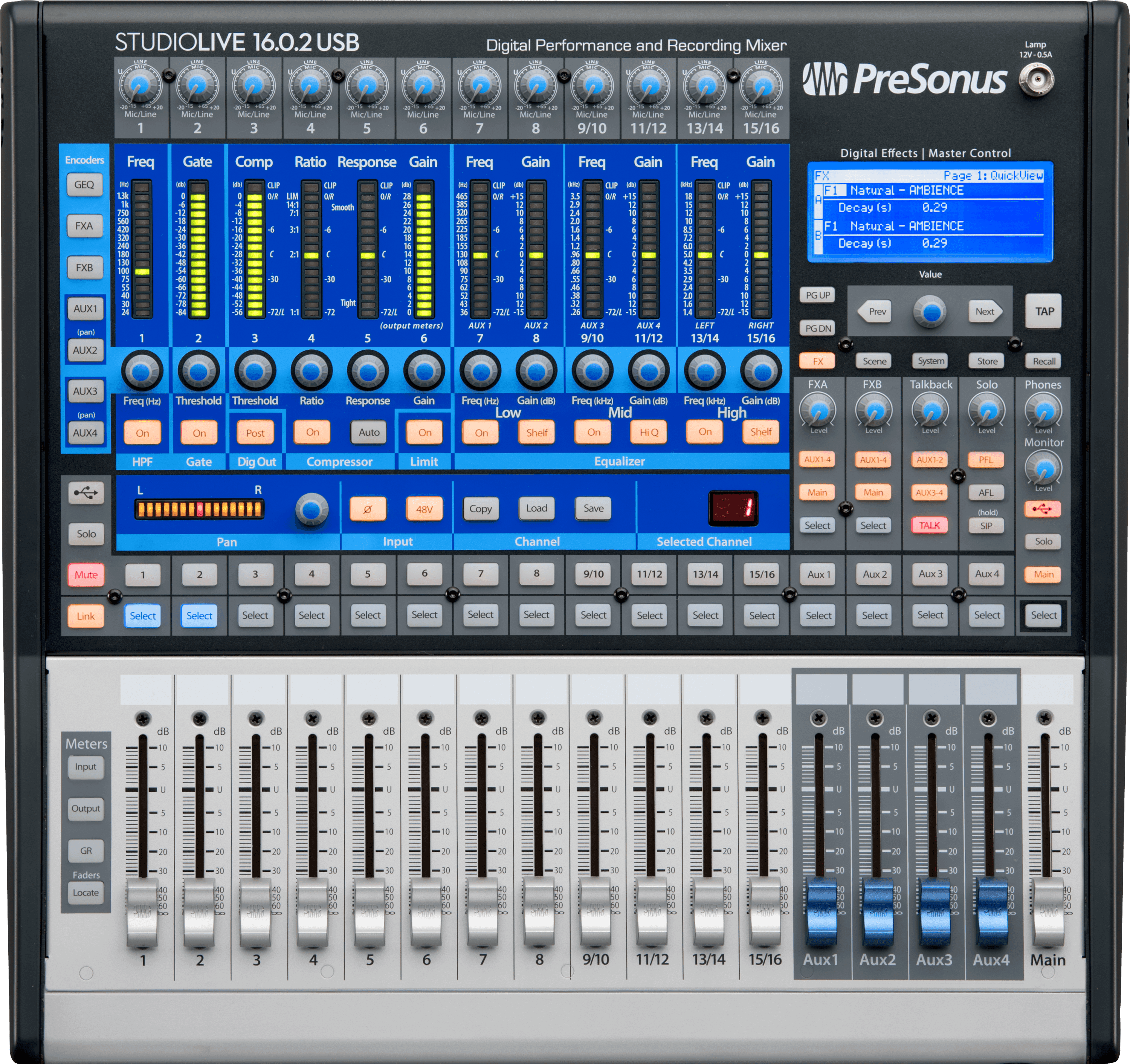
An interface is the box that converts a microphone’s signal into something a computer can record; a preamp is the stage inside it that boosts a mic’s naturally weak signal up to a usable level. For two to four people, the simplest rule is one microphone and one input per person, recorded at the same time. A two-input interface covers two hosts; three or four people talking regularly need an interface, mixer, or standalone multitrack recorder with that many mic inputs, not a two-input unit with people trading a shared mic. Buying fewer inputs than you have regular voices is one of the most common bottlenecks in a new setup, more so than the microphone brand.
Headphones for every seat
Every host and guest needs their own headphones, not just the one person running the recording. Headphones let each person hear themselves and everyone else clearly, which keeps people from unconsciously raising their voice or talking over each other because they cannot hear well. Monitoring latency, the delay between a sound happening and it reaching your ears through the monitoring path, matters here: if that delay is noticeable, it is distracting and makes it hard to speak naturally. Direct or hardware monitoring, listening to the signal straight from the interface rather than after it has been processed by the computer, avoids that delay entirely and is the standard way to monitor while recording.
Recording backup and the video question
A second, independent recording is standard practice: a separate recorder running in parallel, an interface or mixer that also records to its own memory card, or a second app capturing the same inputs. Separately, record each microphone to its own track rather than one combined file. Multitrack recording, where every input is saved as its own separate audio file, lets you fix or fully mute one person’s line if something goes wrong with their mic, without touching anyone else’s. Neither is a substitute for the other. This is worth setting up before episode one, not after the first lost recording.
Video is a separate decision from audio, and it does not need to complicate the audio setup you have already settled on. A webcam per person is enough to start; a dedicated camera and better lighting are worth adding later if video becomes a priority, but they do not change which microphones or interface you need.
What to skip for now
A few purchases are easy to make too early. Acoustic treatment panels bought in bulk before you know which wall or corner is actually causing the problem often end up on the wrong wall. A large-format mixing console is unnecessary if your input count covers your seats; a smaller interface with enough inputs does the same job. A live streaming encoder is not needed if you are recording for later editing rather than broadcasting live. And a more expensive condenser microphone “to be safe” is not a shortcut around treating the room, since an untreated room will be just as audible through a better mic.
A multi-seat video podcast studio, built out with cameras, lighting, and treatment, typically runs $8,000–$15,000. That is where a studio can grow to, not a starting budget; the audio-first setup above is a smaller scope.
What to do first
In order, before you buy anything else:
- Walk the room and note hard, bare surfaces. Floors, windows, and empty walls are the surfaces reflecting sound back at the microphones.
- Pick one dynamic, cardioid microphone per person. Match the count to how many people talk regularly, not how many might show up occasionally.
- Choose an interface or recorder with enough inputs and headphone outputs for every seat, or a small headphone amplifier that splits one feed to several jacks, each with its own volume knob. Count seats first, then shop for a unit that covers that number.
- Test with everyone wearing headphones and talking at once. This is where you find out if anyone cannot hear themselves or hears a distracting delay.
- Run a second, independent recording from day one. A separate recorder or a device that records to its own card costs little and saves an entire episode if the main recording fails.
Our sample plan for a two-person podcast studio shows how a phased plan is laid out, core capture first, then monitoring and the room, then video, with the full plan totaling roughly $1,500–$3,700. A three or four person room needs more inputs and more headphone feeds, but the same ordering holds.
Frequently asked questions
Do we need to treat the room before buying any microphones?
Not necessarily before buying, but find out what you are working with first. A dynamic cardioid microphone at a close, consistent distance will tolerate an untreated room better than a sensitive condenser will, so knowing your room’s surfaces changes which microphone is the better starting pick, even if treatment itself comes later.
Can we use condenser microphones if we already own them?
Yes. A condenser will reveal more of an untreated room than a dynamic mic would, so moving closer and reducing hard reflective surfaces nearby, soft furnishings, a rug, curtains, matters more with a condenser. It is not that the microphone is wrong for the job, it just makes the room’s condition more audible.
How many headphone outputs do we actually need?
One per person in the room, including guests. Many general-purpose interfaces with four mic inputs have only one or two headphone jacks, so the standard answer for a third or fourth seat is a small headphone amplifier, a box that splits one headphone feed to several jacks, each with its own volume knob. Sharing a single headphone output, or leaving someone without headphones at all, is a common cause of people talking over each other or raising their voice to compensate for not hearing the conversation clearly.
Should we record video from day one?
Only if it is a priority for how you plan to publish. Starting with audio-only and adding a webcam later does not waste anything you have already bought: the microphones, inputs, and headphone setup described above stay exactly the same once video is added.
Our page for recording studios has more on how we work with podcast and creator setups, and if you want a second opinion on your room, input count, or monitoring before you buy anything, request a free first conversation. Send a few photos of the room and we will tell you what to buy first.