Worship AV Mistakes That Undermine Sunday Morning — And How to Plan Systems Volunteers Can Run

Every congregation knows the feeling. The band sounds great from the mixing position and harsh three rows from the wall. The livestream carries a thin, distant mix that sounds nothing like being in the room. And when the one person who understands the system is out of town, Sunday morning runs on prayer and muted channels. None of this is an equipment problem — churches routinely own more gear than they need. It is a planning problem: systems bought piece by piece, tuned by ear from one seat, and operated by whoever happens to be available.
This guide covers the five mistakes that undermine worship sound and livestreaming — and how to plan a system a rotating volunteer team can actually run. The stakes are different from a commercial install: budgets arrive in giving seasons, operators change monthly, and the room was designed for architecture long before it was asked to carry amplified sound. A plan that ignores any of those three realities produces the familiar result. For the microphone side of the signal chain, our microphone buying guide covers the fundamentals that apply to pulpits and platforms as much as podcasts.
Mistake 1: Buying speakers for power instead of coverage
The most common sanctuary complaint — clear in some seats, harsh or muddy in others — is almost never a volume problem. It is a coverage problem. Loudspeakers project sound in a defined pattern, and when that pattern does not match the shape of the seating, some seats sit in the direct beam while others hear mostly reflections off walls and ceiling. Turning the system up makes the loud seats worse without helping the dead ones.
Sanctuaries make this harder than most rooms: high ceilings, hard parallel walls, balconies, and alcoves all scatter sound. A speaker that sounds impressive in a demo video can be exactly wrong for a fan-shaped room with a balcony. Coverage design — where the speakers point, how many there are, and where fills go — matters more than any single spec on the box.
What to do instead
- Start from a seating map, not a spec sheet. Every seat should sit in the direct coverage of one speaker — main, delay, or fill. Under-balcony seats and front rows almost always need dedicated fills.
- Match the pattern to the room shape: wide rooms want wider horizontal coverage or splayed pairs; deep rooms want delay speakers on a timed feed rather than louder mains.
- Fix the room before upgrading the boxes. A modest system in a room with basic absorption at the rear wall and first reflections outperforms an expensive system firing into bare drywall and glass.
Mistake 2: Streaming the room mix
The livestream that "doesn't match what the room hears" is usually the opposite problem: it matches it too literally. A front-of-house mix is built to complement what the room already hears acoustically — drums and guitar amps that carry themselves, a congregation singing, natural reverb. Send that same mix to the stream and everything the room supplied is missing: the stream gets whatever the microphones needed reinforcement for, which is why vocals float over a rhythm section that barely exists.
What to do instead
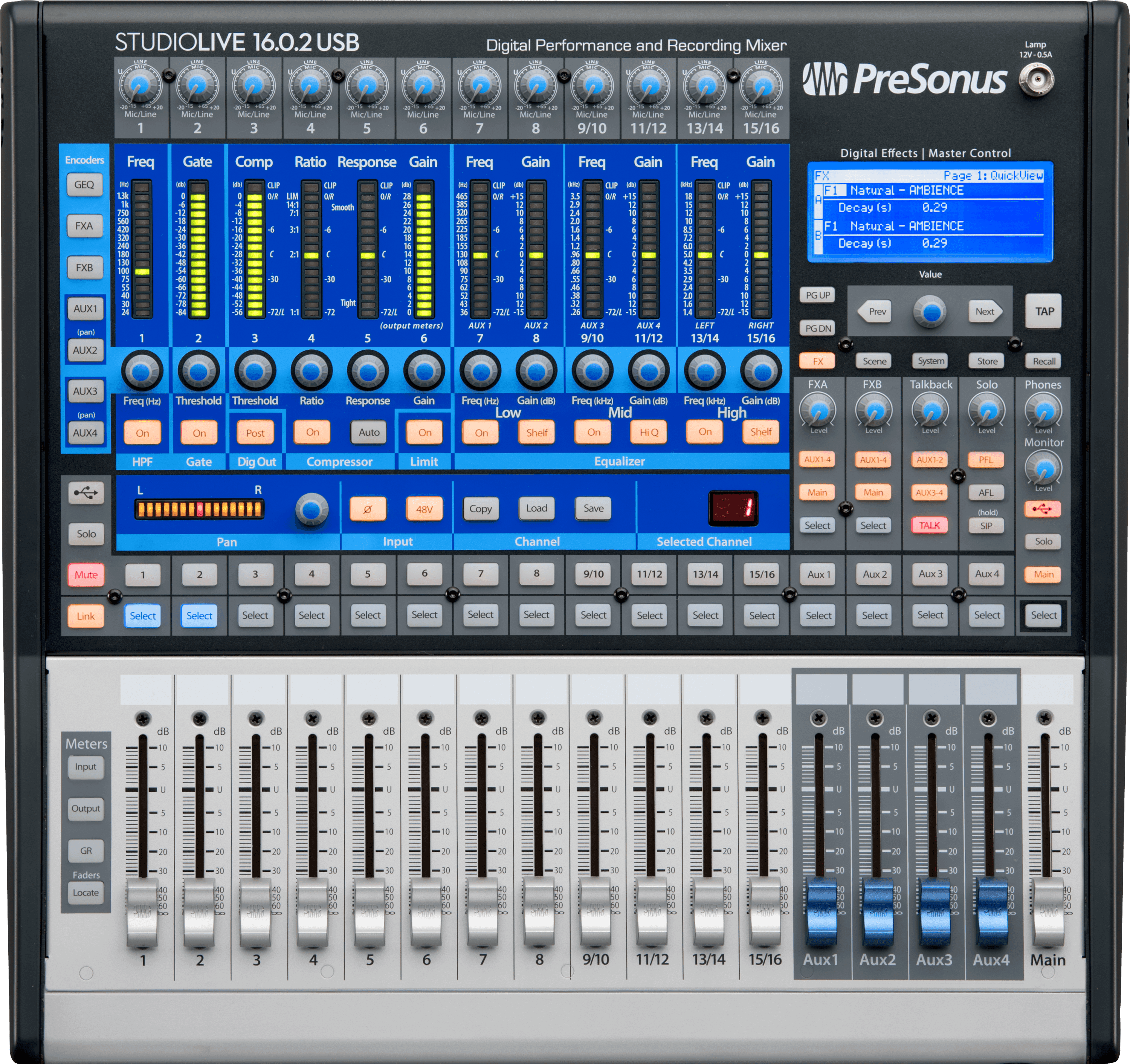
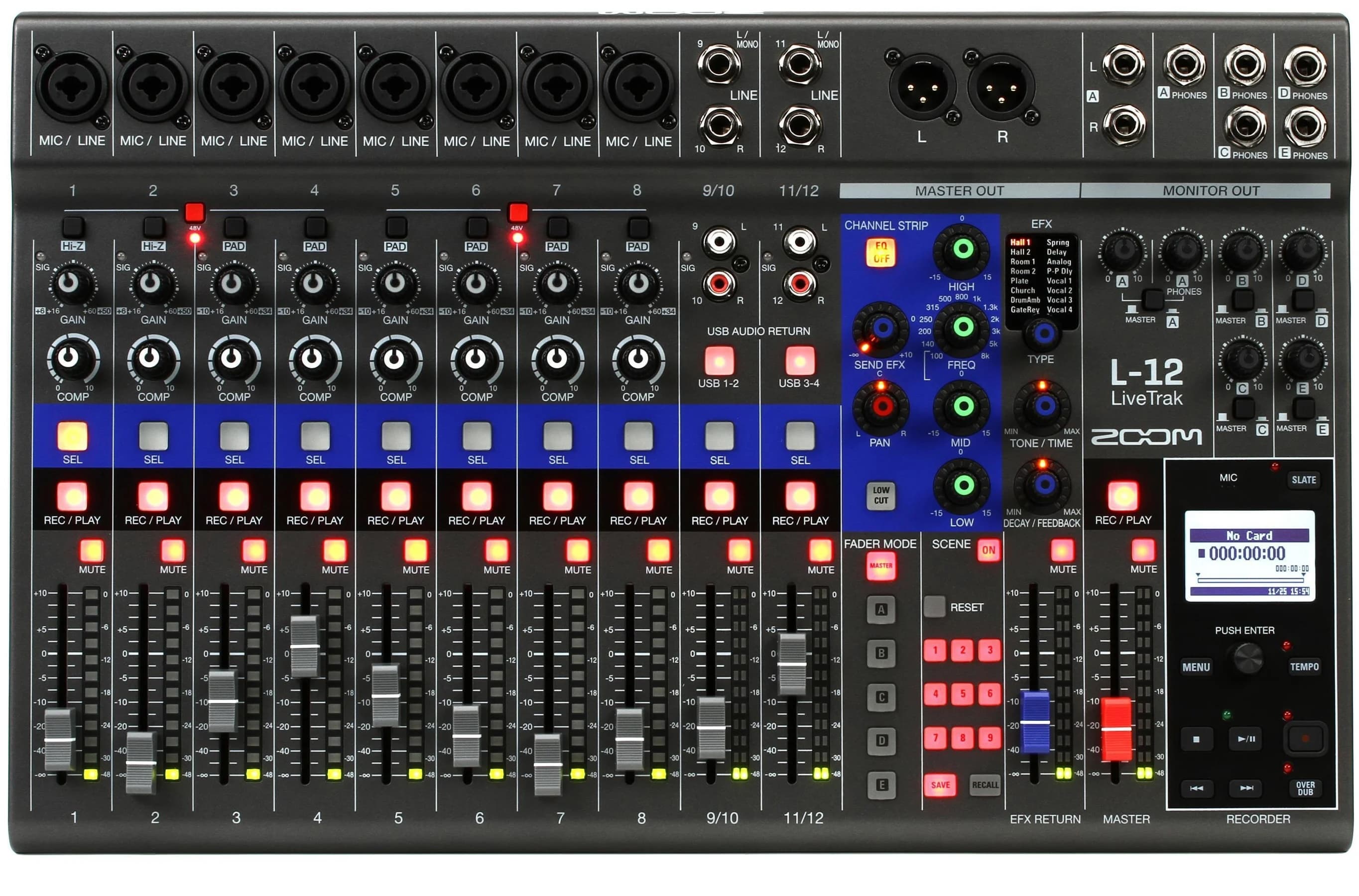
- Give the stream its own mix. Modern digital consoles make this affordable: a bus mix tweaked for broadcast on a budget, a dedicated streaming mix position on a larger one. Every instrument needs a source the stream can hear — including microphones on things the room hears acoustically.
- Add ambience microphones aimed at the congregation. A stream without room sound feels sterile; two audience mics blended under the mix restore the sense of being there.
- Monitor the stream on headphones, not the room. Whoever owns the broadcast mix must hear what viewers hear — a phone speaker check after service is a start, a dedicated set of closed-back headphones during service is the fix.
Mistake 3: Building a system only one person can run
Every church has — or has had — the indispensable volunteer: the one who knows which channels never get unmuted, why the third fader is taped, and what to do when the pastor's mic drops out. The system works because they are there. That is not a system; it is a dependency, and it fails on the Sunday they are sick, traveling, or burned out.
Volunteer teams rotate. The system has to be designed for the least experienced operator on the schedule, not the most — which is a design constraint, not a talent problem.
How to volunteer-proof the system
- Use console scenes and presets: a saved starting point for a standard service, recalled in one action. Sunday morning starts from a known-good state, not from wherever Wednesday rehearsal left the desk.
- Label everything in plain language — "Pastor headset," "Worship leader vocal," not channel numbers. Lock or hide channels and settings a Sunday operator should never touch.
- Write a one-page run sheet: power-on order, scene recall, the three most common failures and their fixes. Laminate it and keep it at the position.
- Train two deep for every role, and schedule the second chair regularly enough that they stay current. Training that only happens at install fades in a quarter.
Mistake 4: Losing the stage-volume war
When the platform is loud, the mix position is negotiating, not mixing. Guitar amps and floor wedges pointed across the stage arrive at the front rows louder than the mains, bleed into every open microphone, and force the front-of-house mix to be built on top of a roar it cannot control. The result is the classic complaint set: too loud up front, muddy everywhere, vocals fighting to stay on top.
What to do instead
- Move monitoring in-ear where the team will accept it. In-ear monitors take wedges — usually the loudest thing on the platform — out of the room entirely, and give each musician their own mix. Start with the vocalists and the loudest offenders; a full-band conversion can phase in over budget cycles.
- Contain what stays loud: amp isolation boxes or low-volume modelers for electric guitar, a drum shield or electronic kit where the room demands it. The goal is a platform quiet enough that the mains — not the backline — decide what the congregation hears.
- Set a target and measure it. A simple SPL meter at the mix position turns "it feels loud" arguments into a number the whole team agreed to in advance.
Mistake 5: Buying everything at once — or everything at random
Church AV budgets fail in two opposite ways. The big-bang install spends a capital campaign in one purchase, locks in one moment's decisions for a decade, and leaves nothing for the failures and gaps that show up in the first year. The drip-buy approach solves each week's loudest problem with an unplanned purchase — a new microphone here, a speaker there — and produces a closet of gear that was never designed to work together.
What to do instead
- Plan the whole system once, then buy it in phases. A phased plan sequences purchases so each phase works on its own and nothing is bought twice: signal core and vocal chain first, coverage and monitoring next, streaming and refinements after.
- Match phases to giving seasons. A plan the congregation can see — this phase funded, this one next — raises money more effectively than an open-ended equipment fund.
- Reserve 10–15% for operations: spare microphones and cables, batteries, training time, and the small purchases that keep Sunday running. This is the line every plan cuts and every team regrets.
What to actually budget for
Allocations vary with room size and how much the congregation streams, but a plan that produces reliable Sundays looks closer to this than to a speakers-first spend:
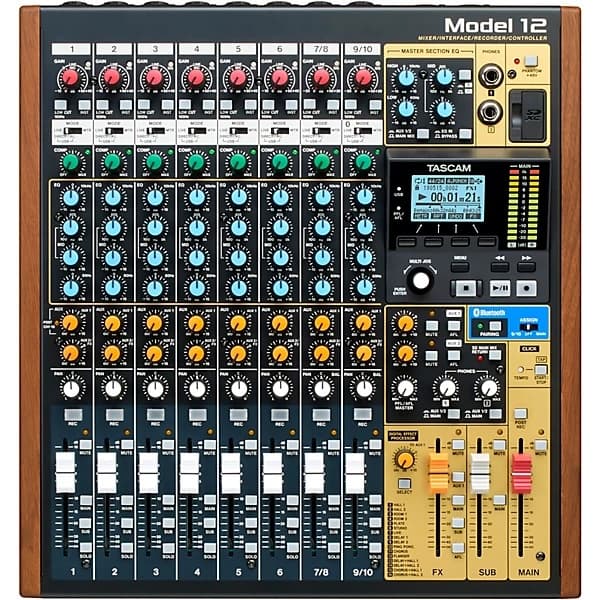
- Mixing console and signal core (25–30%): a digital console with enough buses for monitors and a stream mix, plus the stage boxes and wiring that feed it. This is the piece every other decision routes through — buy headroom here.
- Loudspeakers and coverage (25–30%): mains, fills, and delays designed from the seating map, plus the amplification and processing to drive them.
- Microphones and monitoring (20–25%): vocal and instrument microphones, wireless where the platform needs it, and the in-ear or wedge monitoring plan from mistake four.
- Streaming chain (15–20%): camera(s), the encoding computer or hardware, and the broadcast mix position. Sized to ambition — one good camera and a real audio mix beats three cameras on the room feed.
- Operations (10%): spares, batteries, cases, labeling, and training. The cheapest insurance a Sunday can buy.
Frequently asked questions
Do we really need a digital console, or is our analog board fine?
If the analog board has the channels you need and nobody streams, it can be fine. But two of the five fixes above — scene recall for volunteers and a separate broadcast mix — are painful or impossible on analog. A mid-range digital console delivers both, plus per-musician monitor mixes and processing that replaces a rack of outboard gear, which is why it is usually the first phase of a modernization rather than the last.
What should a small church with a volunteer team buy first?
The vocal chain and the console, in that order of attention: a reliable pastor microphone (with a spare), solid worship vocal microphones, and a digital console with scenes and labels a rotating team can operate. Speech intelligibility is the one non-negotiable in worship audio — music forgives more than a sermon nobody can understand. Coverage fixes and streaming come after the core is dependable.
Can we livestream well with one volunteer?
Yes, if the system is designed for it. A single fixed camera with a good wide shot, a console scene that brings up the broadcast mix automatically, and a streaming computer that starts with one action is a one-person job. What does not work with one volunteer is manual camera switching plus a live broadcast mix plus front-of-house — plan the stream around the team you have, not the production you admire.
How do we handle multiple rooms — sanctuary, youth room, overflow?
Treat the extra rooms as destinations, not independent systems. The sanctuary console sends a mix (and video where needed) to overflow spaces over the same kind of feed the livestream uses, and the youth room gets its own small standardized rig — ideally a scaled-down version of the main room's console family, so the volunteers who learn one can run the other. Multi-room complexity is a planning problem first and a purchasing problem second.
Planning a sanctuary system, a livestream build-out, or a phased upgrade across giving seasons? For consoles, microphones, monitoring, and the rest of the audio chain, browse our music and studio department. If you want the whole system planned before anything is purchased — coverage design, signal flow, phased budget, and an equipment schedule your volunteers can grow into — start with a project brief and we will design a system your team can run on Sunday morning.