Church Sound System Upgrade Cost (150–500 Seats), and How to Phase It

Someone asks the board for a sound system upgrade, and the first question back is always: how much? The honest answer is that cost is driven by a handful of specific pieces, coverage, the console, monitoring, and the stream, and the smartest way to spend is almost never all at once. Here is what actually moves the number, a phased order that keeps the spend manageable, and what changes once a room grows past the low hundreds of seats.
What actually drives the cost
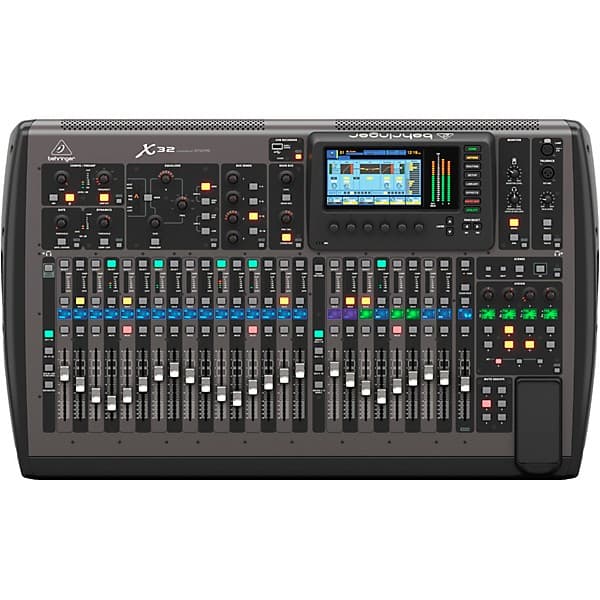
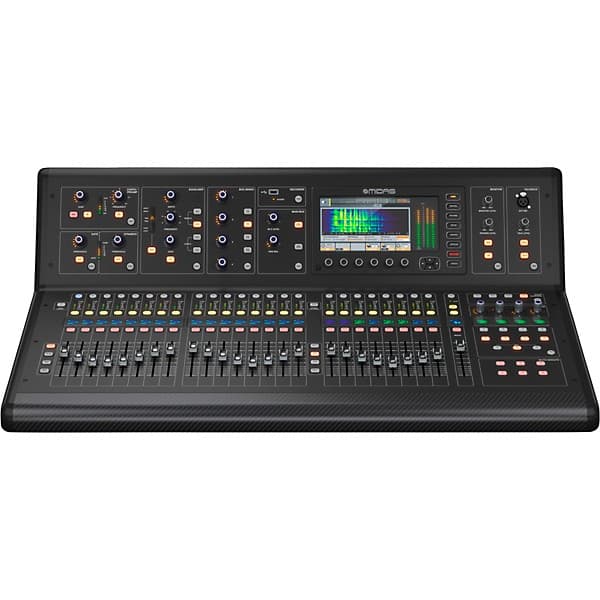
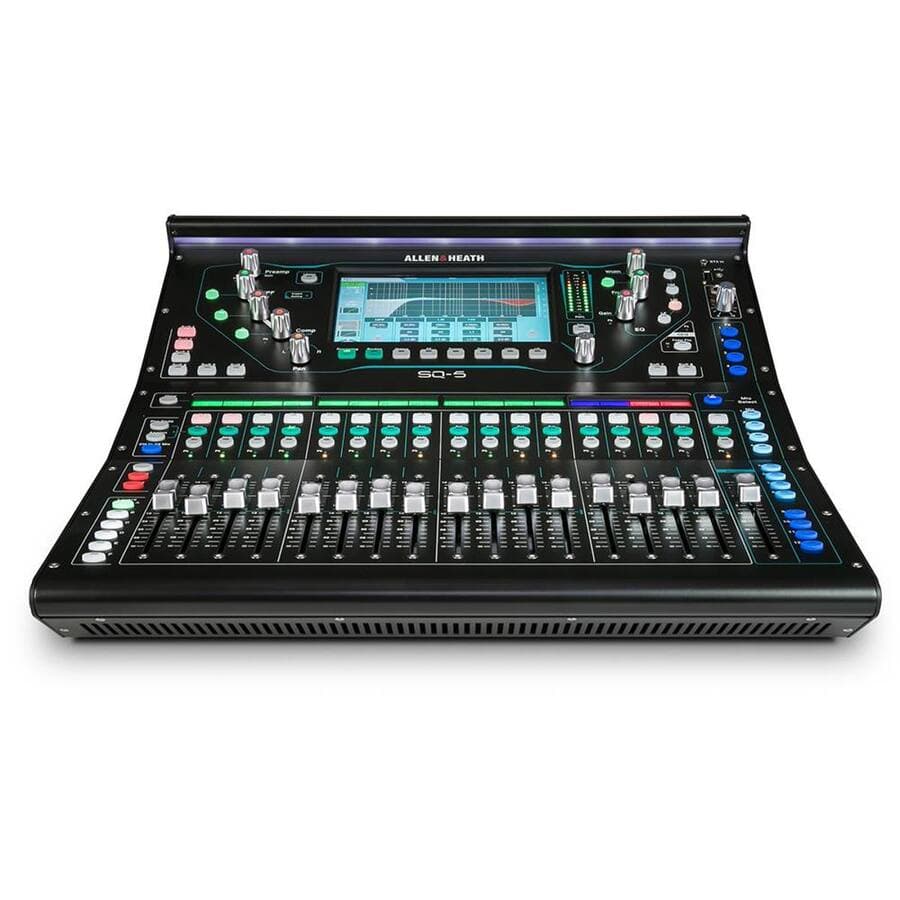
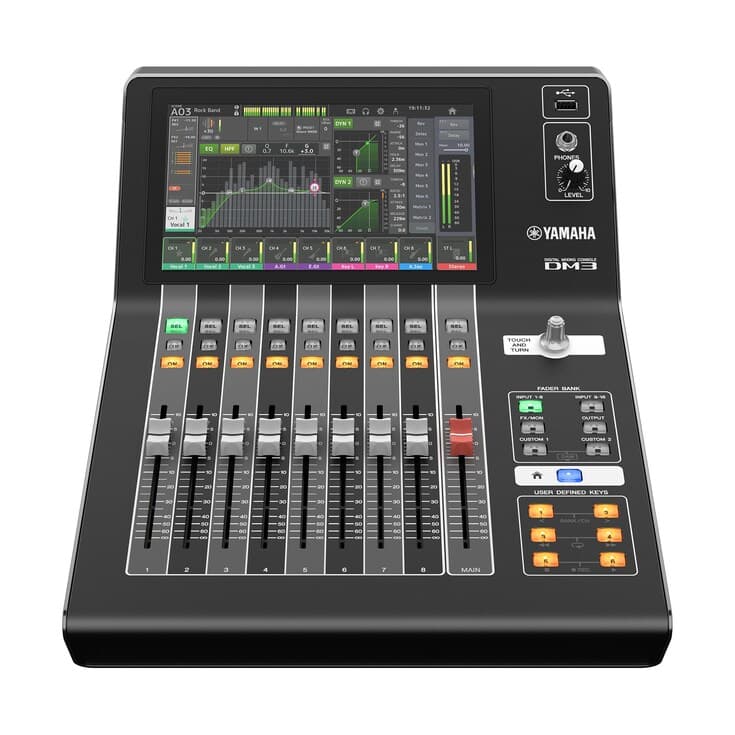
Coverage is the biggest single factor: getting even, intelligible sound to every seat, including the back row and the sides, not just the center section closest to the stage. A room with hard walls, a balcony, or an unusual shape needs more speaker cabinets, and sometimes delay or fill speakers (smaller cabinets, timed to arrive a fraction of a second after the main speakers, covering areas the mains cannot reach evenly) to avoid dead or overly loud spots. The console, the digital mixing board that blends every microphone and instrument into the room mix, drives cost through channel count and features: more inputs cost more, and features like built-in effects or tablet control add to the price too.
Monitoring, how the people on stage hear themselves, is its own line item, whether that is floor wedges (speakers aimed back at the performers) or in-ear monitors (small earpieces fed a personal mix). The livestream, if the church runs one, needs its own audio mix, cameras, and an encoder (the device or software that compresses the feed to send it online), separate from what the room needs. None of these four pieces is optional in a full upgrade, but they do not have to be bought the same month.
The sample plan’s three phases
Our sample plan for a 150-seat sanctuary breaks the work into three phases, in this order, each with its own budget band:
- Phase 1, console and vocal chain: $4,000–$7,500. This replaces or upgrades the board itself and the microphones and processing for vocals and key instruments, the foundation everything else builds on. Doing this first means every later phase inherits a mix that already sounds right.
- Phase 2, speaker coverage and in-ear monitoring: $5,000–$12,000. With the console and vocal chain solid, this phase fixes how sound reaches the congregation and how the team hears itself on stage. It is the widest band because coverage needs vary the most from room to room.
- Phase 3, livestream: $2,500–$6,000. Cameras, a switcher or encoder, and a dedicated stream audio mix come last, once the in-room sound the stream is built from is already solid. Building a stream around a mix that still needs work means redoing the stream setup later.
This order is deliberate: each phase depends on the one before it being right. Jumping straight to cameras and a stream before the console and coverage are settled usually means re-doing the stream mix once the room mix changes. Installation labor for any of these phases varies by region and by installer, so treat these bands as a planning range for the equipment side and get a labor quote specific to your building.
What changes at 300 to 500 seats
A larger room does not just scale the same list up by a multiplier; it changes what is actually needed. More seats usually mean more coverage zones, separate areas like a balcony or a wide side section, that the same speaker hang cannot reach evenly, which often brings delay or fill speakers into the plan where a smaller room would not need them. A bigger platform and a full band add inputs: more microphones, more direct boxes for instruments, more console channels, and more monitor mixes, since a larger team on stage means more people who each need to hear something slightly different. A stream serving a bigger congregation also tends to need more camera angles, more switcher inputs, and more encoder headroom.
For a larger, full-band sanctuary in this range, the equivalent of all three phases combined typically lands in the $25,000–$45,000 band rather than the sum of the 150-seat phase bands above. The qualitative shift, more zones, more inputs, more monitor mixes, a bigger stream setup, is what pushes the number up, not a simple per-seat rate; a 300-seat room with a simple rectangular shape can cost less to cover well than a 200-seat room with a balcony and an awkward layout.
Where volunteers and documentation save money
A meaningful share of ongoing cost in any church sound system is not the equipment, it is paying someone to keep showing up and operating or fixing it. A system designed around what a volunteer team can actually run, with saved presets, clearly labeled inputs, and a one-page run sheet listing the weekly steps in order, costs less over time because it does not depend on one irreplaceable person being in the booth every week. Writing that documentation once, and testing it with a volunteer who did not help build the system, is close to free compared to the equipment bands above, and it protects the investment after the install truck leaves.
Our write-up of a church worship AV project is an example project reconstructed from prior experience, not a single client’s job. It shows how coverage, console, monitoring, and stream fit together across phases.
What to do first
Before requesting quotes from anyone, work through this order:
- Walk the room and name the dead or overly loud spots. Sit in the back row, the sides, and under any balcony, and write down where sound is weak, muddy, or too loud. This shapes the coverage phase more than any spec sheet.
- List what the console cannot do today. Not enough inputs, no spare bus for a stream mix, monitor mixes that fight each other: write down the specific limitation rather than just “it’s old.”
- Decide if in-ear monitors are actually needed yet. A quieter stage or a smaller team may be well served by wedges for longer than expected; in-ears solve a specific problem, not a general upgrade checkbox.
- Get a labor quote specific to your building. Equipment bands are a starting point; installation labor depends on your room, wiring runs, and local market, so ask installers to quote labor separately from gear.
Frequently asked questions
Can we do all three phases at once if we have the budget?
Yes, if budget and timeline allow it, doing all three phases in one project is reasonable and avoids revisiting the same room twice. The order matters most for churches spreading the cost over a year or more: it protects you from spending on a stream or monitoring setup before the console and coverage underneath it are settled, which is the scenario that leads to redoing work.
Does a bigger room always cost more than a smaller one?
Usually, but not always in the way people expect. A larger rectangular room with a simple, even layout can sometimes be covered more efficiently than a smaller room with a balcony, an odd angle, or hard, reflective walls. Seat count is a reasonable starting signal, but room shape and acoustics matter as much or more to the final number.
Should we buy used equipment to save money?
It can work for some categories, speaker cabinets and amplifiers in particular, if they have been well maintained and you can verify their condition and get them properly tuned to your room. It is riskier for consoles and in-ear monitor systems, where firmware and accessory compatibility matter more and are harder to verify secondhand. Either way, budget for professional tuning and setup rather than assuming used gear arrives ready to use.
How do we know if we actually need Phase 2 yet?
If the congregation can hear clearly from every seat and the team on stage can hear well enough to perform confidently, Phase 2 may not be urgent even if the equipment is aging. The clearest signals that it is time are named dead spots in the room, a stage team that keeps asking for the room volume turned up to compensate for weak monitoring, or a console already limiting what Phase 1 could accomplish.
If you want a second opinion on where your building falls in this range before committing to a number, our sample plan for churches lays out a full phased budget end to end, and our worship AV mistakes guide covers planning issues that tend to drive costs up unnecessarily. Visit our page for churches for more on how we work, or request a free first conversation and tell us about your room. We can usually tell you which phase to start with after a short call and a few photos.